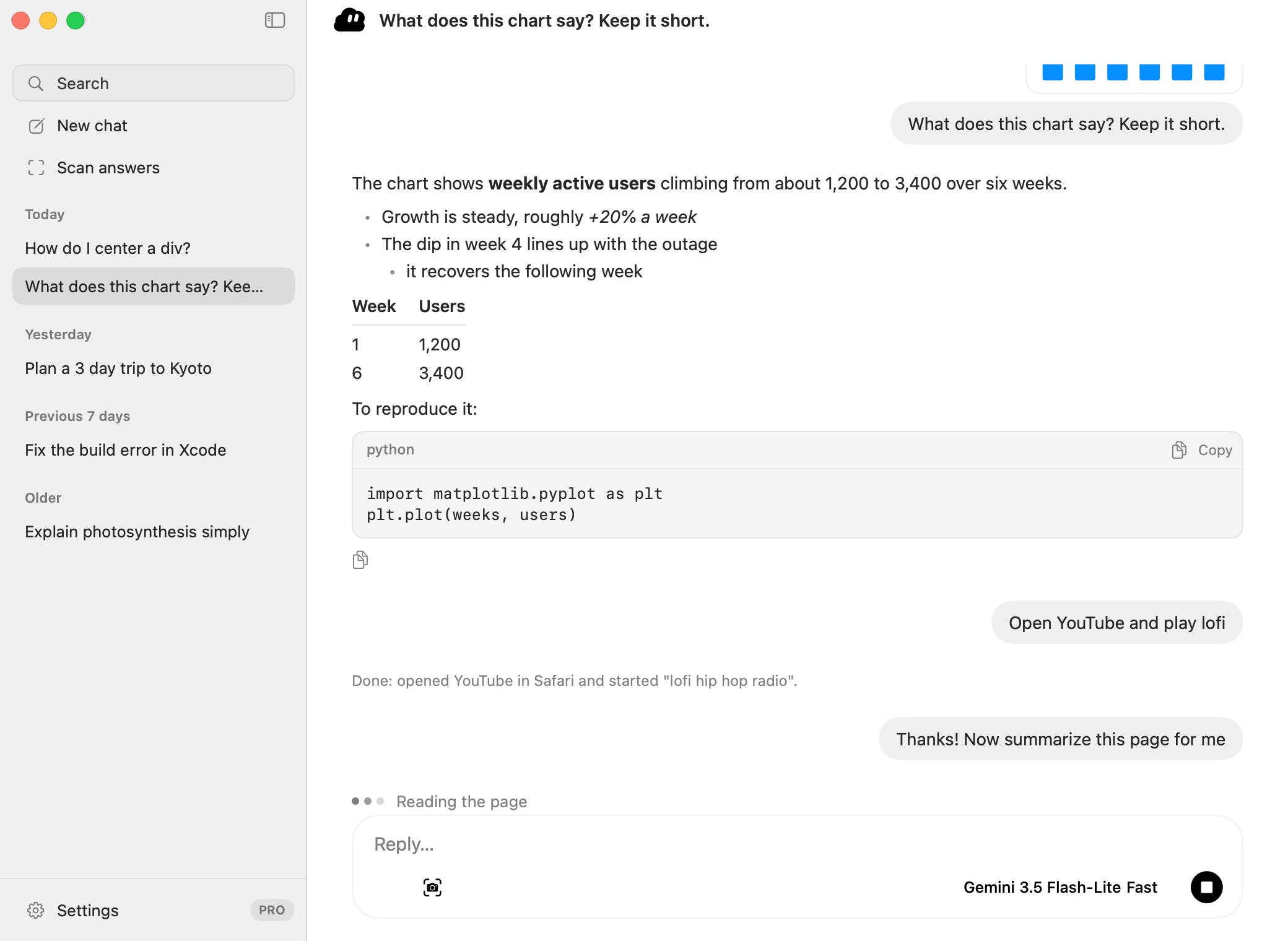
A real chat window.
A sidebar with saved chats and search. Attach images with the paperclip or drag them in. Pick the model and how hard it thinks (Turbo, Fast, Balanced, Smart) right in the composer.
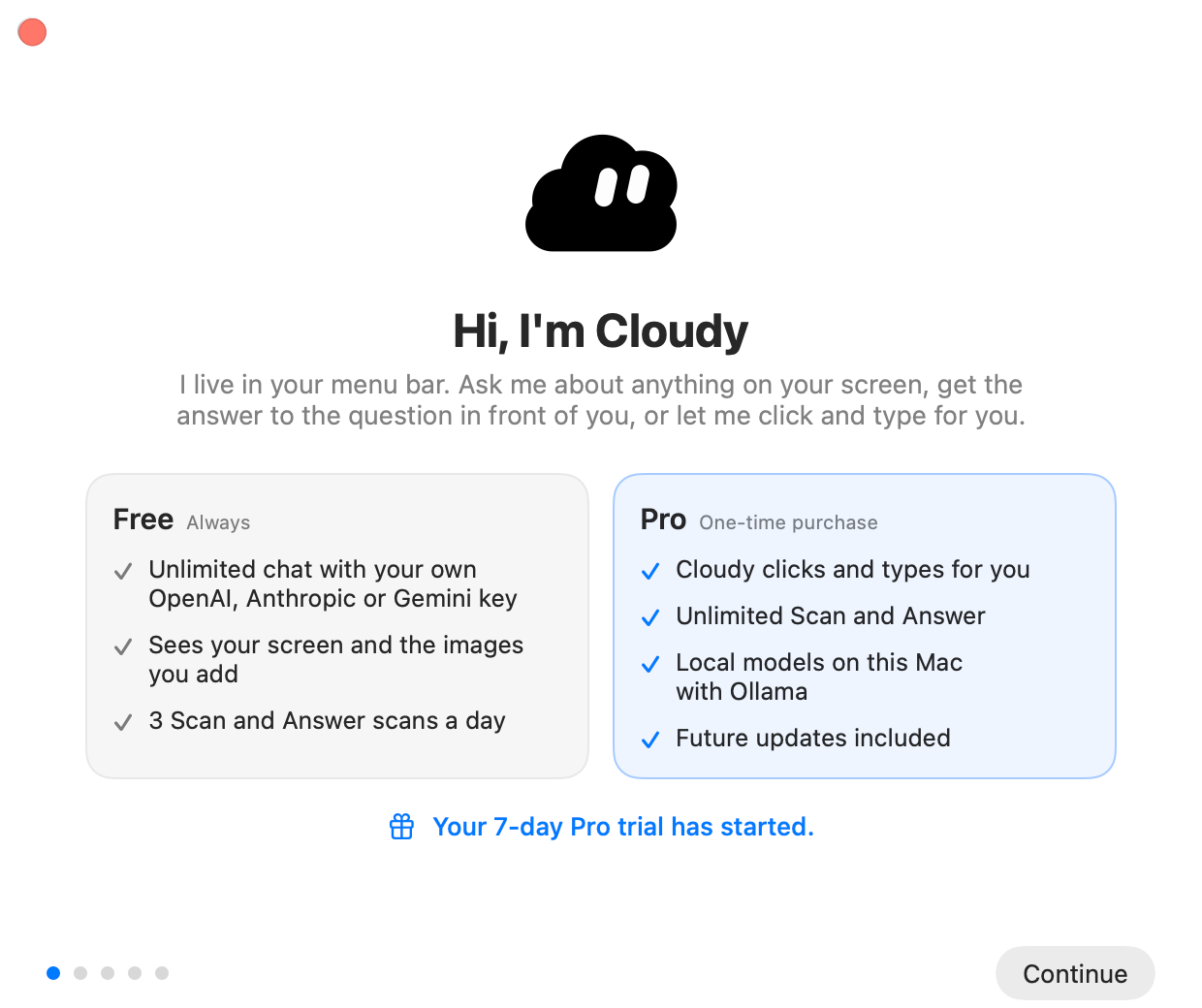
A little cloud that lives in your Mac's menu bar.
It chats, sees your screen and answers the question in front of you with one hotkey. With Pro, just talk to it, and it grabs its own little cursor to click, type and even teach.
macOS 26 or later · Mac with Apple silicon
Say hello to Cloudy.
Quick on its feet.
Pick a quick model like Gemini 3.5 Flash-Lite for snappy replies.
Its own cursor.
Clicking and typing for you comes with Cloudy Pro.
Extra hands for your Mac.
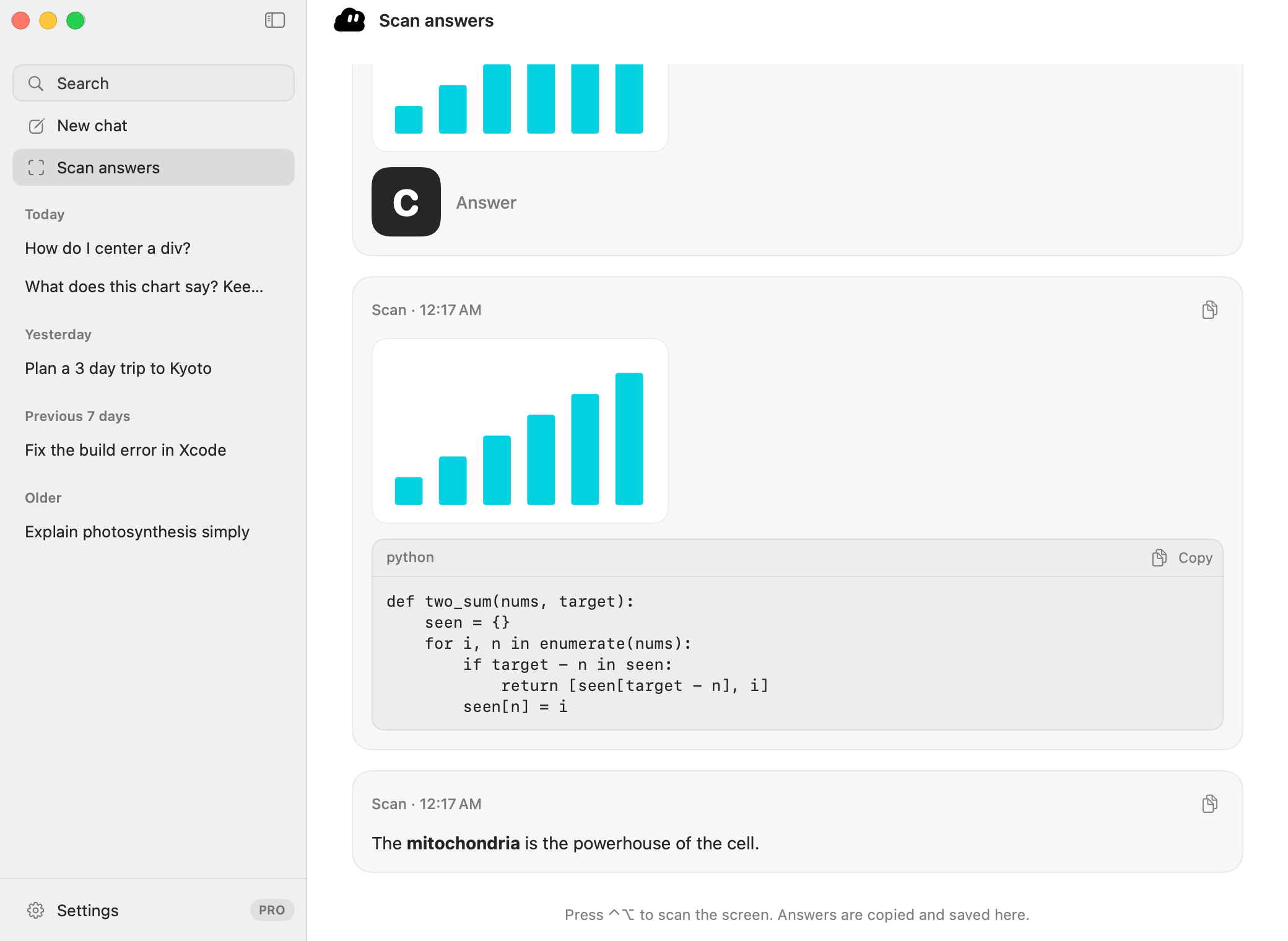
Scan. Answer. Done.
Double-tap ⌥ to scan. The answer shows up right on Cloudy.
Into the stratosphere.
Psst… this part is playable.
Nothing here touches your computer. It's a pretend Mac running the same little cloud as the app.
Wiggle your pointer, I'm watching. Click me and I'll celebrate.Tap me and I'll celebrate.
3. The legs of a right triangle are 6 and 8. Find the length of the hypotenuse.
Esc or Stop cancels any time.
How it works
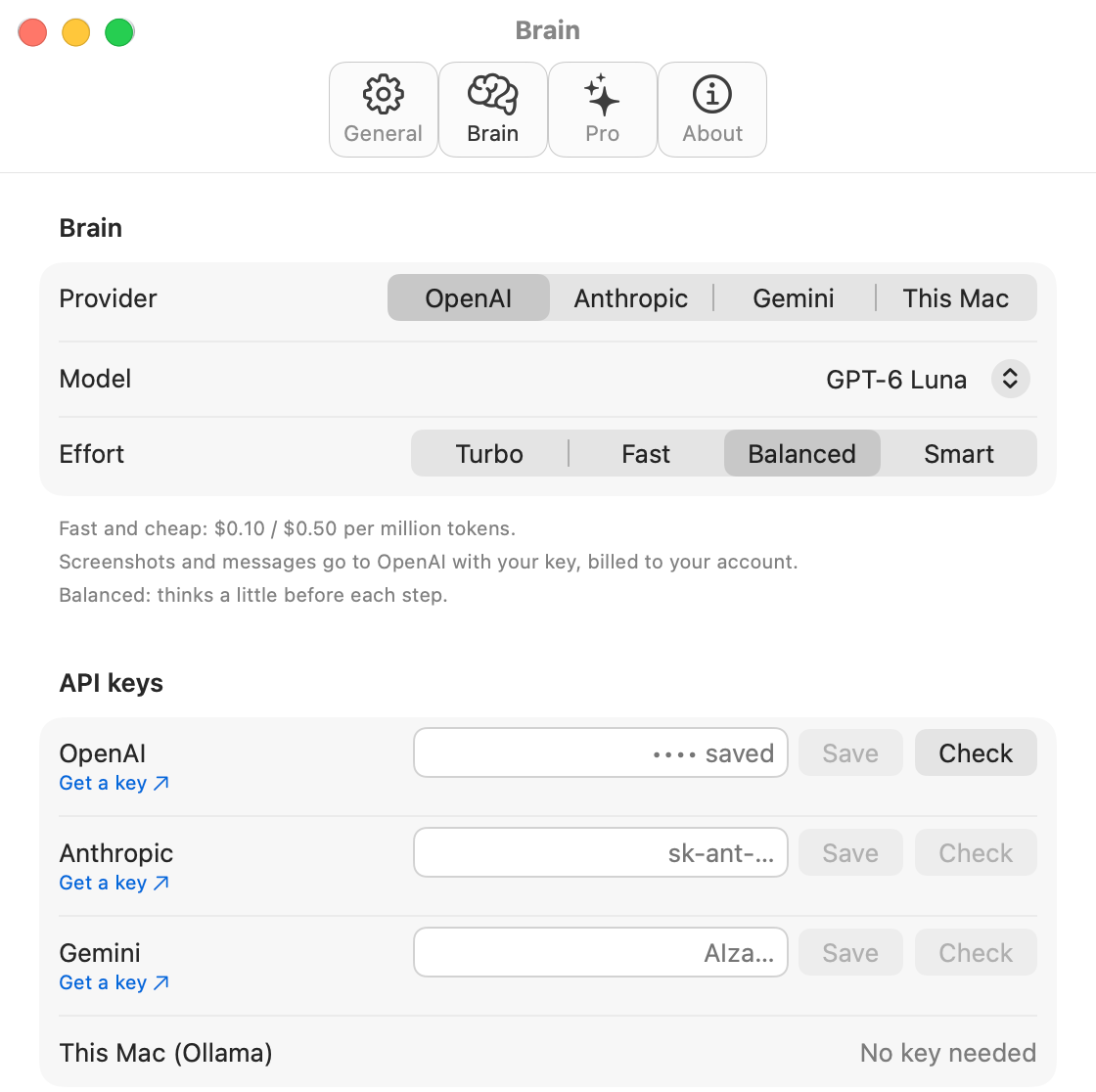
OpenAI, Anthropic or Google Gemini. The setup checks the key for you.
Click the cloud for a quick chat box, or open the full window for saved chats. ⌃⌥Space opens chat from anywhere. With Pro, hold ⌥Space and just say it.
Each message goes with a screenshot of your main display (Cloudy leaves its own windows out), so you can just ask “what does this error mean?”
The cloud turns into its own cursor, does the steps, then looks again to make sure it worked. Esc stops it.
Features
A sidebar with saved chats and search. Attach images with the paperclip or drag them in. Pick the model and how hard it thinks (Turbo, Fast, Balanced, Smart) right in the composer.
Ask “open Safari and find the weather in Taipei” and the cloud becomes a little arrow that flies, clicks, types, scrolls and drags. Esc stops it.
Hold ⌥Space and say it. While you talk, Cloudy turns into little bouncing sound bars. Speech is recognised on your Mac, in English plus one more language you pick, and Cloudy goes with whichever it understood better.
Ask it to explain the triangle problem, the paused video, the diagram or the code in front of you. Cloudy flies its cursor to each spot and draws arrows, circles, boxes and check marks step by step while it explains out loud. The drawings stay until you click, press Esc or talk again.
One hotkey and Cloudy reads the question under your pointer. Multiple choice shows the letter in the cloud. Short answers and code land on your clipboard. Made for practice and study: don’t use it in tests or graded work where AI help isn’t allowed.
Combos, double-taps and chords. Every shortcut can be changed.
It blinks, follows your pointer, thinks, celebrates and naps. Pick its size in Settings.
Tell Cloudy how you like your answers once. It remembers.
Replies are spoken in Cloudy's own natural voice, which runs offline on your Mac. No cloud voice service. Other languages get the best Apple voice for that language.
Run Cloudy on a model in Ollama on this Mac, so your chats and screenshots stay on it.
Checks for a new version once a day. Right-click the cloud > Check for Updates… to check now.
Up to date1.0.0Bring your own brain
Use your own API key, billed straight to your account. Switch providers any time, right in Settings.
Pricing
NT$0free plan
NT$990one-time · coming soon
Without Pro, Cloudy still helps when you ask it to do something: it tells you how, step by step.
FAQ
Cloudy Free costs nothing and chat is unlimited. You use your own API key, so any usage costs are between you and your AI provider. Free also includes 10 images per 5 hours (attachments and screen views both count) and 3 Scan and Answer a day.
Every new install starts with 7 days of Pro, so you can try computer use, talking to Cloudy, its voice, teaching on screen, local models and unlimited everything. Afterwards Cloudy goes back to Free. Nothing is charged and nothing breaks.
An API key from OpenAI, Anthropic or Google (Gemini). Check each provider's pricing. With Pro you can skip keys entirely and run a local model through Ollama.
No. Cloudy only listens while you hold the talk shortcut (⌥Space unless you change it) or after you press the mic button in the chat window. Your speech is recognised on your Mac with Apple's on-device speech recognition.
No. Cloudy's voice runs on your Mac. Your AI provider still answers online, unless you use a local model with Pro.
Your keys and chats are stored on your Mac, in your user account, and we never receive them. Screenshots and messages go only to the AI provider you picked, under your own key and its terms. With This Mac (Ollama), they stay on your Mac. No account, no analytics. The Privacy Policy has the details.
Each Pro license is planned to cover 2 Macs. Free works on as many Macs as you like.
Coming soon: a free download, with seven days of Pro on the house.
macOS 26 or later · Mac with Apple silicon